Body repair.
A clearer next step.
Collision, body and paint repair. Start with your photos.
Where does the damage lead?
Start with what you can see.
We’ll discuss what needs a closer look.

Body & impact
A damaged panel can hide changes beneath it. Start with what you can see and feel.
The visible mark is
one part of the story.

A photo can show a crease, scrape or change in shape. Include the surrounding panels to place the visible damage.
Photos provide context. An inspection may be needed to confirm scope and price.
Explore collision repairTwo views.
A useful first look.
Use clear light and take multiple views only when it is safe. Send the original files so small details stay visible.

Show the area.
Step back to include the affected panel and what surrounds it.
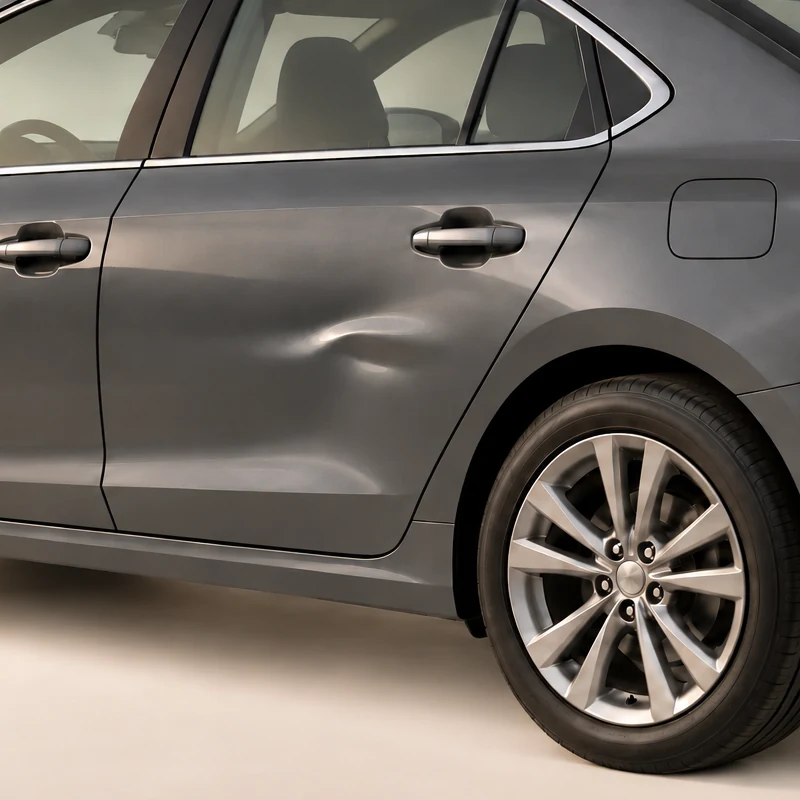
Show the detail.
The red frame marks this same area. Move closer and keep the damaged surface in focus.
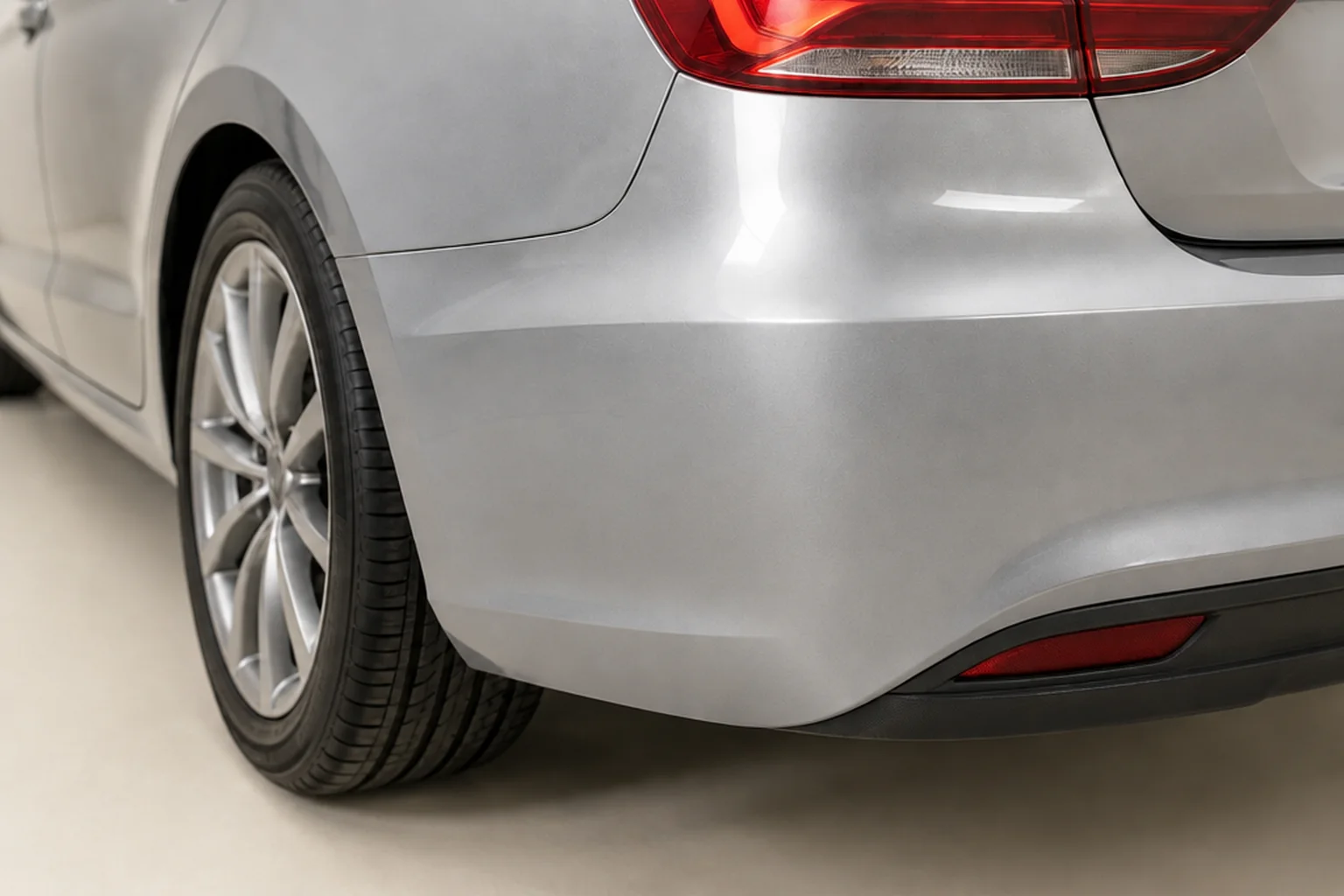
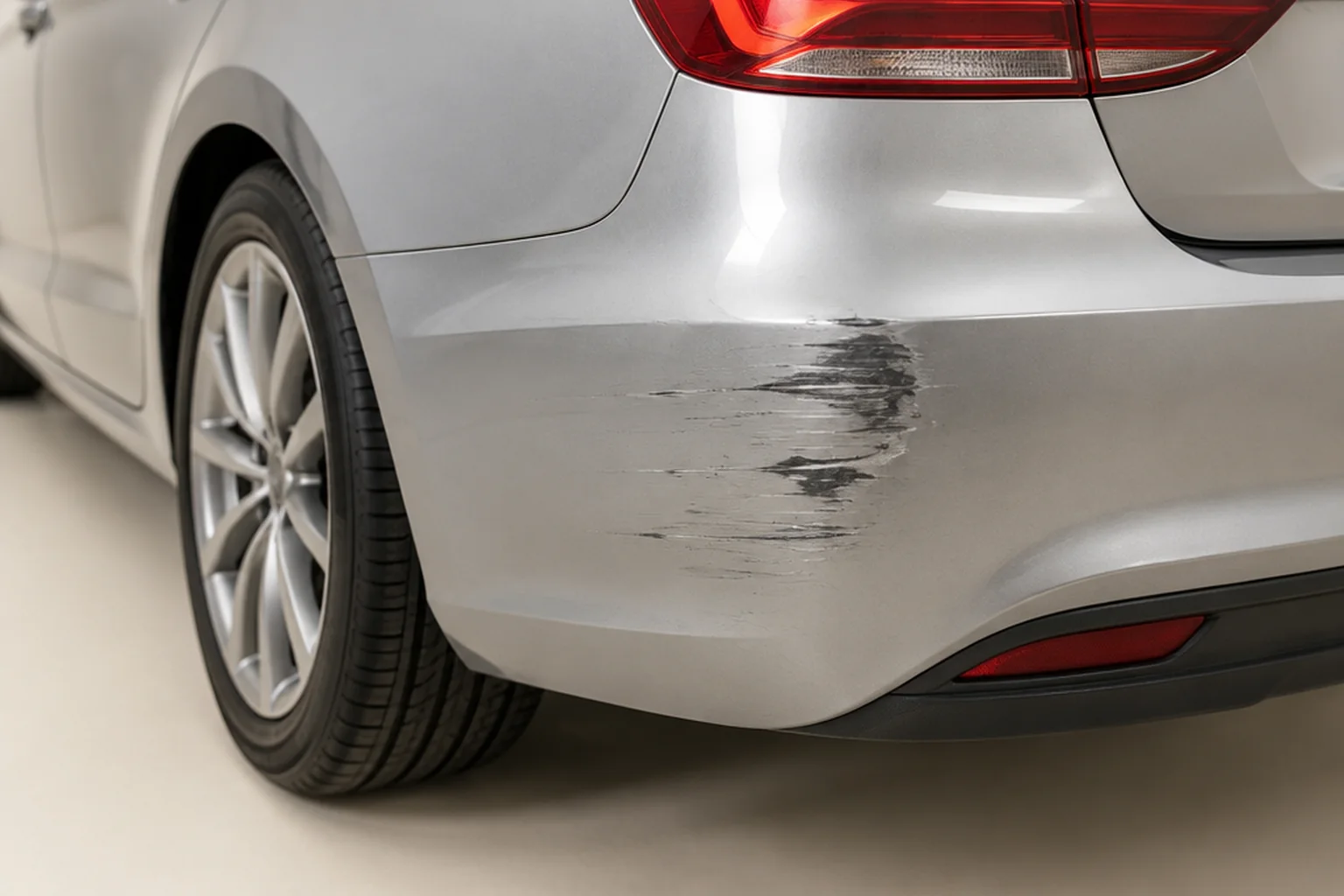
Illustrative photo examples, not completed customer work.
Prepare your estimateLook closer
at the finish.
Move the divider to compare two illustrated conditions. Each vehicle needs its own assessment.
See what you’ll send.
Start a preliminary repair inquiry with vehicle details and original photos. Check the request before you send it.
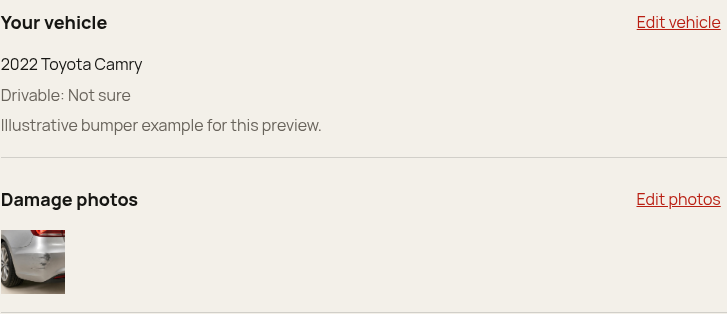
Review before sending.
The review step lets you check your vehicle details, photos and contact information. Use its edit controls to make changes before sending.
Choose your photos.
Add 1–8 original damage photos. Keep people and personal documents out of the frame. Original files can contain camera metadata, including location.
Understand the copies.
Firebase records and photos are scheduled to leave active use after 90 days, with a further seven days for recovery. Cleanup timing varies. Copies sent to the private Telegram channel and downloaded files follow separate deletion arrangements.
This starts a preliminary inquiry. It does not confirm repair scope, final price, vehicle acceptance or an appointment.
FROM IMPACT TO HANDOFF
Know what
comes next.
Follow one illustrative panel through the process. Select a stage to see what changes—and what to ask.
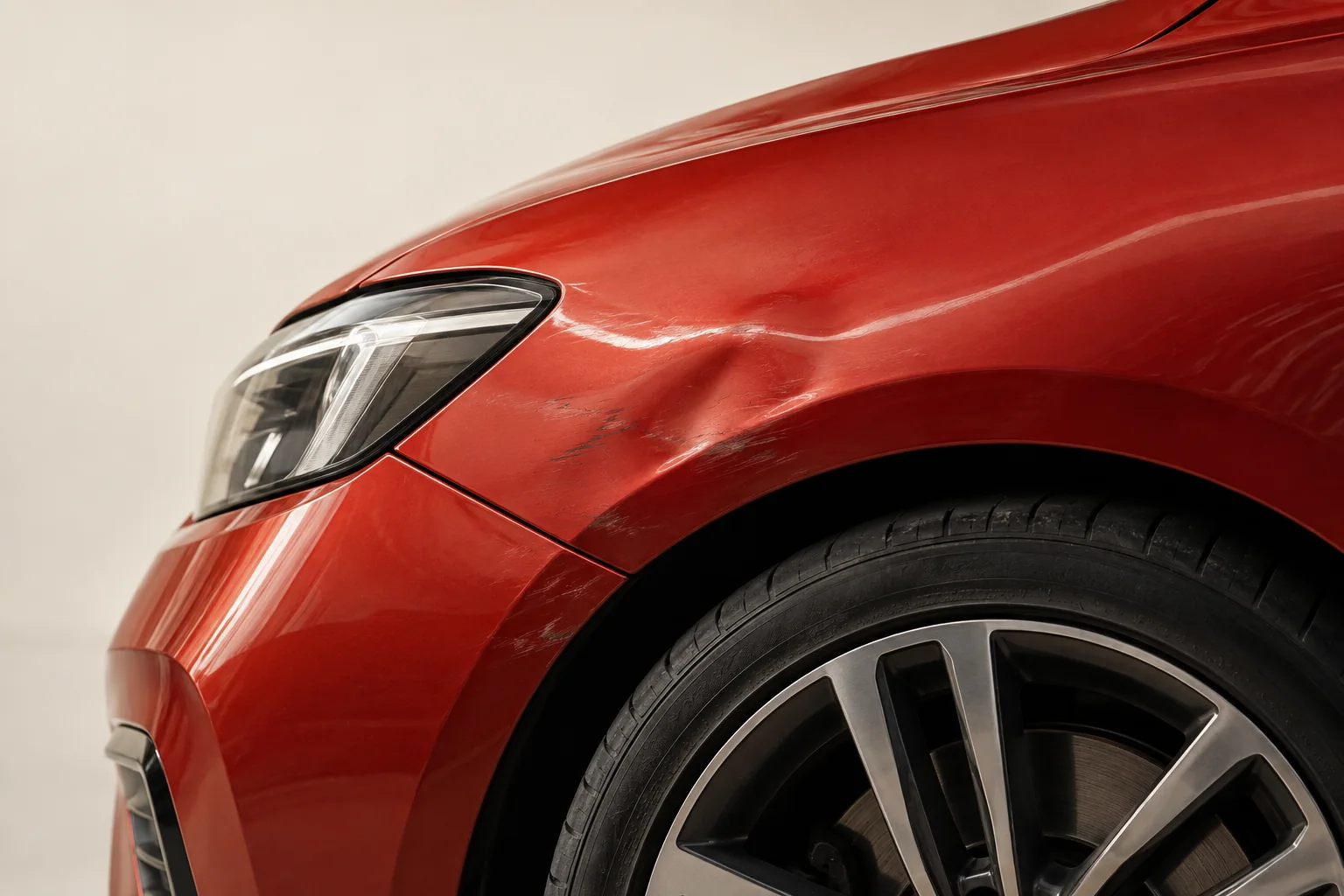
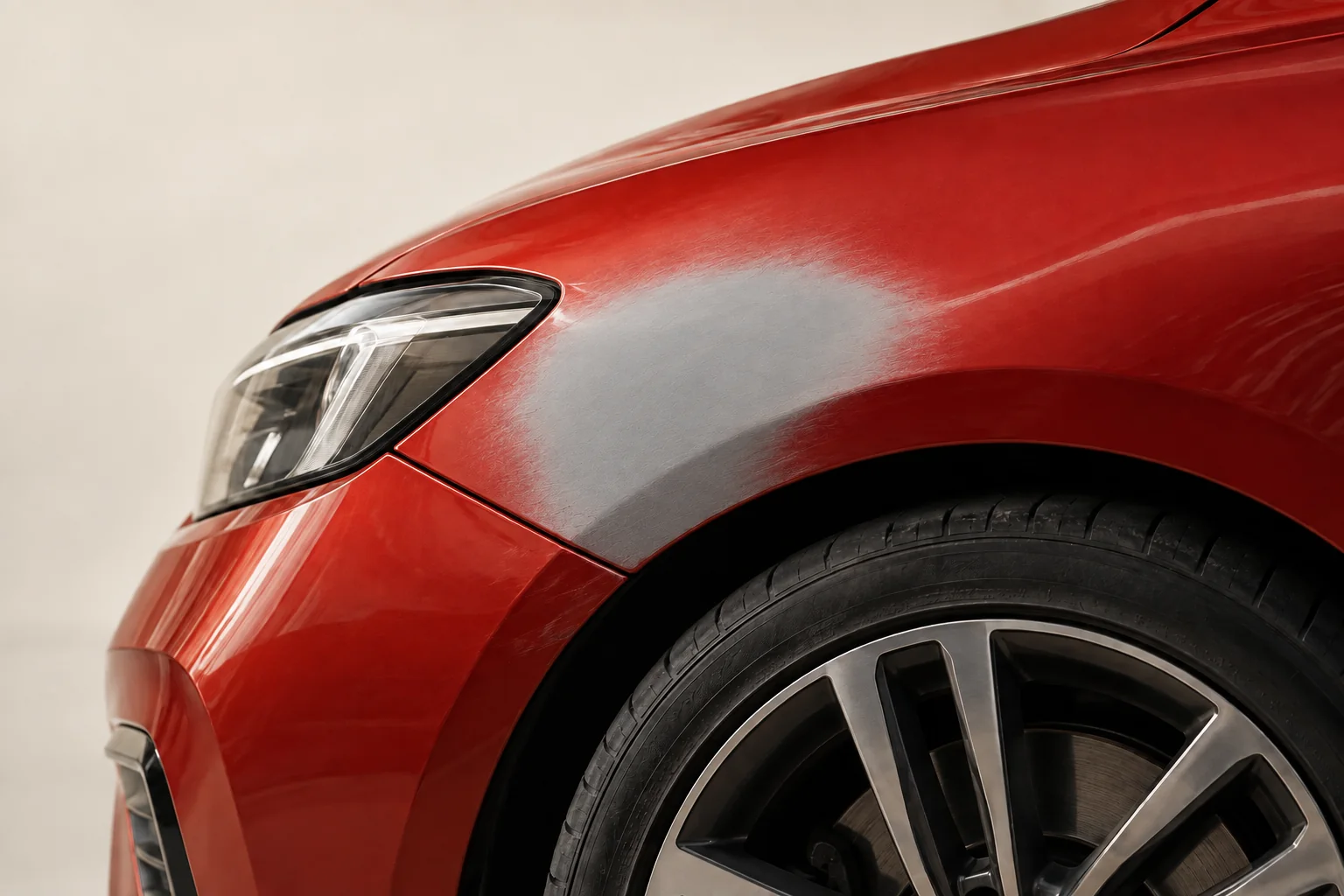
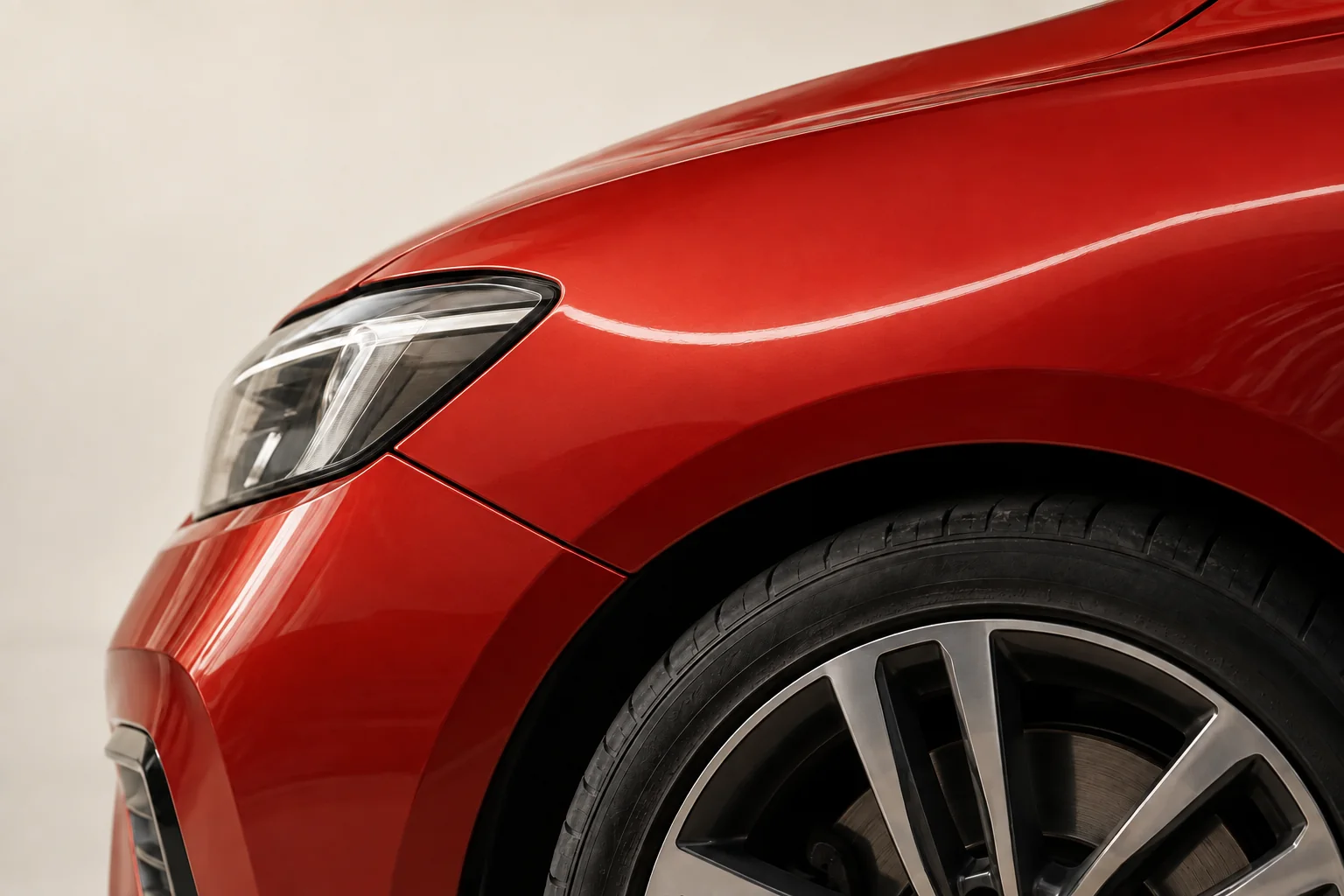
Start with what the impact changed.
Document visible damage, warning lights, panel fit and anything that changed after the impact. An in-person inspection may reveal damage photos cannot show.
First, you.
Then, your car.
A few clear steps when everything feels uncertain. Keep this checklist for the moment you need it.
No email. No signup. Save as PDF from your print menu.
- 01
Put safety first.
Stop. Move only if it is safe. Call 911 for injuries or immediate danger. Notify the police and follow their instructions.
- 02
Exchange the essentials.
Collect driver contact, license, vehicle and insurance details. Note license plates and any witnesses’ contact information.
- 03
Document from a safe place.
Photograph the damage and scene only when safe. Record the location, time and what happened. Keep your notes and any report number.
- 04
Contact your insurer.
Report the accident promptly. Ask about next steps, your coverage and towing arrangements if needed. Keep copies of your claim documents.
Contact your insurer or roadside-assistance provider to arrange help. Confirm the destination, charges and vehicle acceptance before a tow. Do not drive a vehicle you believe is unsafe.
Read contact guidanceGeneral information, not emergency or legal advice. For more guidance, see the California Department of Insurance (opens in a new tab). Reporting duties may also apply.
Before you
make a move.
Where is Restart Collision?
North Hollywood, CA is our provisional area context. No visit destination is published. Contact and inspection details are confirmed during manual review; an online request does not reserve an appointment. Start an online estimate.
How do I start a repair estimate?
Request an online estimate with your vehicle details and damage photos. Your request receives manual review before follow-up. An in-person inspection may be needed for a final repair price.
Does an online estimate reserve an appointment?
No. Submitting an estimate request does not reserve a repair appointment. Follow-up will address your request and any inspection arrangements needed.
What if my car is not safe to drive?
Contact your roadside-assistance provider or insurer. Confirm towing costs and destination arrangements before transport. Read the accident checklist. In an emergency, call 911.
A clearer next step
starts with your photos.
Tell us about the vehicle and what changed.
Start an estimate